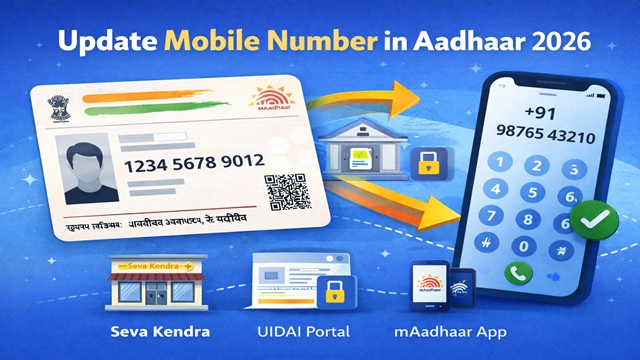
Linking your Aadhaar card with your mobile number takes just a few minutes and it unlocks every OTP-based UIDAI service, from downloading e-Aadhaar to completing e-KYC. UIDAI officially supports three methods: visiting an Aadhaar Seva Kendra in person (mandatory for first-time linking), updating via the UIDAI portal if a number is already registered, and using the mAadhaar app.
As per UIDAI, a registered mobile number is required to access Aadhaar services like OTP authentication, e-KYC, downloading e-Aadhaar, and updating details online through the official portal myaadhaar.uidai.gov.in.
Why You Should Link Aadhaar with Your Mobile Number
- Download e-Aadhaar instantly
- Complete e-KYC for banks and SIM cards
- Generate Virtual ID (VID)
- Lock/unlock biometrics
- Update Aadhaar details online
- Receive authentication alerts
Note: If no mobile number is linked, you must visit the Aadhaar Seva Kendra.
Can I Link Aadhaar Without Mobile Number?
No. As per UIDAI, if your Aadhaar does not have a registered mobile number, you must visit an Aadhaar Seva Kendra for biometric verification. Online methods require an existing registered mobile number for OTP authentication.
What You Need Before You Start
- 12-digit Aadhaar number
- Mobile number to link
- Valid ID proof
- Internet access (for online methods)
Method 1: Visit Aadhaar Seva Kendra
- Locate nearest centre via UIDAI website
- Carry Aadhaar and ID proof
- Fill Aadhaar Update Form
- Complete biometric verification
- Collect acknowledgment slip (URN)
Processing time: Few days to 90 days
How to Book Appointment Online
- Visit UIDAI Appointment Portal
- Select city and centre
- Choose "Update Mobile Number"
- Select date and time
- Enter details and verify OTP
- Save confirmation slip
Method 2: Update via UIDAI Portal
- Visit myaadhaar.uidai.gov.in
- Login with Aadhaar and OTP
- Select "Update Mobile Number"
- Enter new number
- Verify OTP
- Submit request (SRN generated)
Processing time: Few minutes to hours
Method 3: Update via mAadhaar App
- Download from Google Play Store.
- Open app.
- Select "Update Mobile Number".
- Login using OTP.
- Enter new number.
- Verify OTP and submit.
Check Linked Mobile Number Status
- Visit UIDAI Portal.
- Login using Aadhaar.
- View masked mobile number.
- Track update using SRN or URN.
All Methods Compared
| Method | Requirement | Use Case |
|---|---|---|
| Seva Kendra | Biometric | First-time linking |
| UIDAI Portal | Existing number | Update number |
| mAadhaar App | Smartphone | Mobile update |
Things to Keep in Mind
- Use only official UIDAI websites.
- One number can be linked to multiple Aadhaar.
- Keep mobile active for OTP.
- New number replaces old one.
- Save SRN/URN for tracking.
Conclusion
Linking your Aadhaar with your mobile number is essential for accessing digital services. Choose the right method based on your situation and always use official UIDAI platforms.
Add new comment