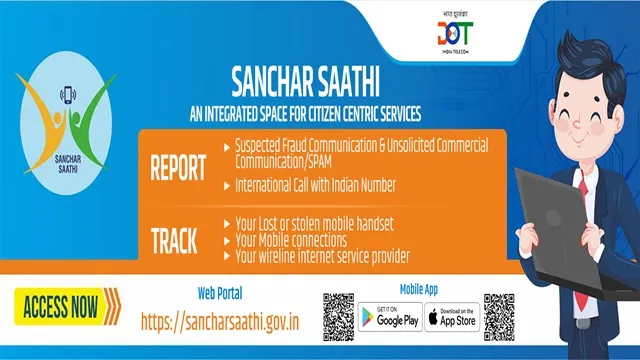
Sanchar Saathi is a citizen focused portal and a mobile app developed by the Department of Telecommunications (DoT), Government of India. In this article we explains what the portal does, why it matters, and how to use its main services using clear steps and official government sources.
What is Sanchar Saathi?
- Sanchar Saathi is a web portal and a mobile application created by the Department of Telecommunications (DoT), Government of India.
- It brings together services that let citizens block or trace lost/ stolen phones, check SIMs issued in their name, verify handset genuineness, and report suspicious calls, SMS or links.
- The official portal od Sanchar Saathi is available at sancharsaathi.gov.in.
- In addition to its core services, Sancha Saathi also includes several powerful safety features designed to give citizens more control over their mobile identity and protect them from growing digital risk :-
- Protection from SIM Misuse.
- Stronger Fraud Prevention.
- Verified Customer Care Details.
- Handset Genuineness Check.
- Nationwide Device Blocking.
Why the Sanchar Saathi Portal was Created?
- India has billions of mobile connections.
- Telecom related risks such as SIM misuse, stolen phones, fake devices and fraud calls have grown alongside that expansion.
- So, with an objective to strengthen the telecom security for citizens, Department of Telecommunication created a Sanchar Saathi Portal and a Mobile App.
- The portal acts as a centralized system enabling users to: block or trace lost or stolen phones, check all SIMs issued in their name, verify handset genuineness, and report suspicious calls, SMS or malicious links.
Key Features of Sanchar Saathi
Chakshu - Report Fraud Calls, SMS, Malicious Links & UCC |
|
CEIR - Block or Trace a Lost / Stolen Mobile |
|
Know Your Mobile Connections (TAFCOP) - SIMs Registered in Your Name |
|
KYM - Know Your Mobile (Handset Genuineness) |
|
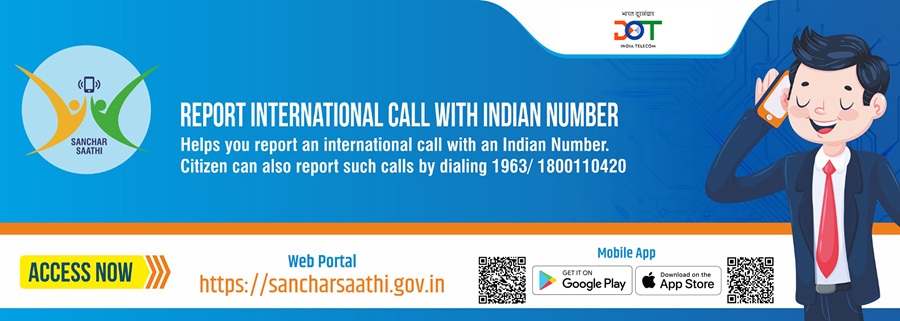
Report Spoofed International Calls / Fake Incoming Calls |
|
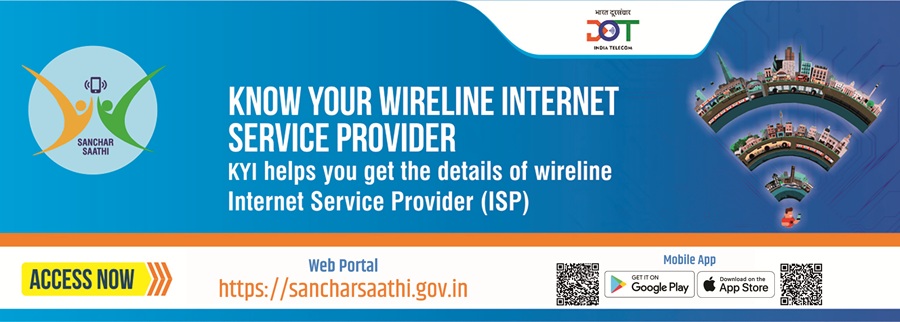
Know Your Wireline Internet Service Provider |
|
Trusted Contact Details |
|
Who Manages the Portal?
The portal is developed and managed by the Department of Telecommunications (DoT). It integrates CEIR (for device blocking), TAFCOP (for SIM analytics and protection), KYM (handset genuineness) and Chakshu (fraud reporting). The official portal and CEIR pages host forms and guidance for each service.
Why Sanchar Saathi Matters - Key Benefits for Citizens
- Prevent identity misuse :- See and control SIMs registered in your name.
- Stop theft misuse :- Block lost or stolen phones across all networks.
- Avoid fake phones :- Verify handset genuineness before purchase.
- Report and reduce fraud :- File Chakshu complaints for scam calls, SMS or malicious links.
- Make telecom safer :- Your reports help regulators take action that protects everyone.
How to Use Sanchar Saathi - Step byStep Process
- Open the Official Portal or Mobile App.
- Scroll down a little bit and choose the service which you want to choose.
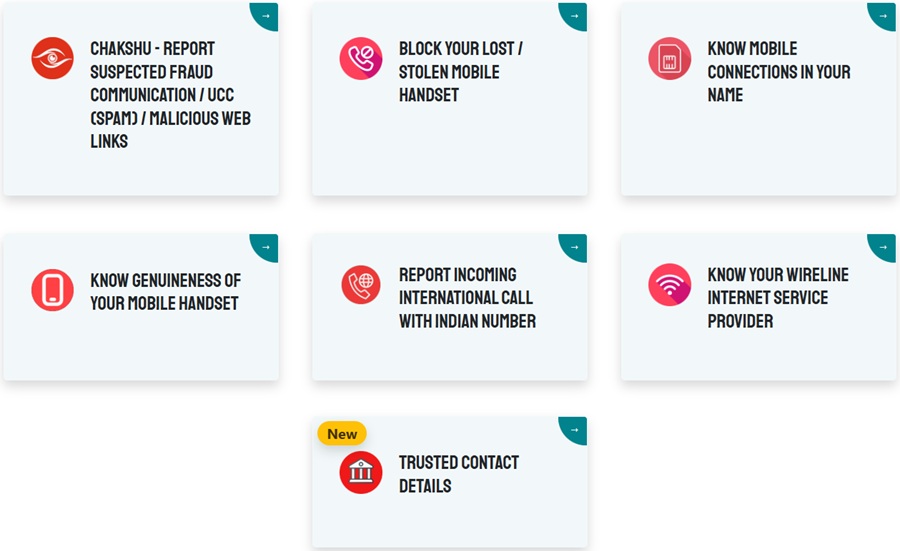
- A detailed forms will appear after selecting any of the above mentioned service.
- Fill the details and upload all the relevant documents.
- Submit it after verifying all the details.
- Portal will take action as per the submitted information.
Note: Always use the official portal or official mobile app to submit requests and never share OTPs or sensitive info over the phone or in messages.
Conclusion - A Major Step Toward a Safer Digital India
Sanchar Saathi puts powerful telecom safety tools into the hands of citizens. CEIR, TAFCOP, KYM and Chakshu together make it easier to block stolen phones, detect unauthorized SIMs, verify handsets, and report fraud. Use the official portal or app to protect your mobile identity and help make the telecom ecosystem safer for everyone.
Official Important Links
Contact Information
- Sanchar Saathi Helpline Number :- 011 20907480.
- Sanchar Saathi Helpdesk Email :- sancharsaathi@cdot.in.
Myth Buster
Myth :- The permissions given to Sanchar Saathi App to access calls, photos or chats can not be disbaled?
Fact :- Permissions can be disabled anytime, Your calls, messages, photos, and apps remain fully private.
Myth :- Pre-Installed Sanchar Saathi is a surveillance tool?
Fact :- Sanchar Saathi doesn't track anything, it only protects your mobile identity from fraud and SIM misuse.
Myth :- Sanchar Saathi is a data collection tool that breaches your privacy?
Fact :- Sanchar Saathi collects no personal data and tracks nothing. It's a citizen centril safety platform by DOT that helps to report suspected fraud and spam calls, block lost or stolen phones, check mobile connections in your name and verify handset genuineness. Sanchaar Sathi protects you and your data.
Myth :- Sanchar Saathi App cannot be deleted from my phone. Once installed it's permanent and I'm stuck with it forever?
Fact :- Sanchar Saathi App can be deleted anytime you want. It's just like any other app on your phone and you have complete control to uninstall it whenever you choose.
Frequently Asked Questions
What is Sanchar Saathi?
Sanchar Saathi is a citizen focused portal by the Department of Telecommunications (DoT) that helps users protect themselves from mobile related fraud, check device genuineness, track SIMs registered under their name, block lost/stolen phones, and report misuse.
What is the 'Chakshu - Report Suspected Fraud Communication' facility?
This feature allows users to report suspicious calls, messages, or communications that may be fraudulent, including scams, impersonations, or phishing attempts.
What is the 'Block Your Lost/ Stolen Mobile Handset' facility?
This facility enables users to block a lost or stolen mobile phone using its IMEI number, preventing it from accessing Indian telecom networks.
What is the 'Know Mobile Connections in Your Name' facility?
This feature lets users view all mobile connections registered under their identity and report unauthorized or unwanted numbers.
What is the 'Know Genuineness of Your Mobile Handset' facility?
Users can verify the authenticity of a mobile handset by entering its IMEI number to check if it is genuine or blacklisted.
What is the 'Report Incoming International Call with Indian Number' facility?
This feature allows users to report suspicious calls that appear to come from Indian numbers but originate internationally, often used by illegal operators.
What is the 'Know Your Wireline Internet Service Provider' facility?
This facility allows users to search for information about registered wireline ISPs in India using specific parameters like category and location.
What is suspected fraud communication?
Suspected fraud communication refers to calls, messages, or other telecom communications that appear deceptive, fraudulent, or intended to cheat the recipient.
Through which media can suspected fraud communication be reported?
Users can report suspected fraud received via phone calls, SMS, or other messaging platforms through the Chakshu facility.
How can suspected fraud communications be reported on Chakshu?
Users log in to the Sanchar Saathi portal/ app → navigate to Chakshu → fill in details such as sender number, message/ call content, and time → submit the report.
What happens after reporting suspected fraud communications?
Reported communications are reviewed by DoT and relevant authorities. Verified fraudulent cases may result in blocking offending numbers or initiating enforcement action.
Are the reporting citizen's details kept confidential?
Yes, the portal maintains the confidentiality of the citizen's identity and details while handling reports.
What is Unsolicited Commercial Communication (UCC) or Spam?
UCC refers to commercial calls or messages sent without the recipient's consent, including marketing or promotional messages.
What is not considered UCC?
Messages or calls sent with the recipient's consent, or essential notifications such as banking alerts, government communication, or transactional messages, are not considered UCC.
Can commercial calls be made from regular 10-digit numbers?
Generally, commercial messages use short codes (140xxxx/160xxxx). Unauthorized promotional messages from 10-digit numbers can also be reported as UCC if consent is not provided.
What measures can a customer take to avoid UCC?
Customers can register their preference to block commercial communications using the Customer Preference Registration Facility (CRPF) or equivalent opt-out mechanisms.
When can a complaint/ report against UCC be made?
Complaints can be made if unsolicited commercial calls or messages are received despite opting out or if there is a violation of consent norms.
How can UCC be reported on Sanchar Saathi?
UCC can be reported via the Chakshu module on Sanchar Saathi by submitting a complaint with details of the message or call received.
What happens to reported UCC complaints?
Authorities review the reports, and verified violations may result in blocking the sender, imposing penalties, or blacklisting as per regulatory norms.
How can the status of a UCC complaint be checked?
Users can track complaint status on the portal using the generated Complaint ID.
What is a header and how can sender details be checked?
A header refers to the sender ID or metadata in a telecom message. Sanchar Saathi allows checking sender details associated with a particular header during reporting.
What is the 'Report Malicious Web Links' facility on Chakshu?
This feature allows users to report suspicious or harmful web links that may attempt to steal data or install malware.
What are malicious web links?
Malicious links are URLs designed to trick users into providing sensitive information, downloading malware, or compromising security.
How to report a lost/ stolen mobile handset?
Go to the "Block Lost/ Stolen Mobile" section on Sanchar Saathi, submit the IMEI number along with identity proof, police FIR, and purchase invoice. The phone will be blocked across Indian telecom networks.
How many mobile connections can a single individual have in India?
An individual can hold up to 9 mobile connections in India (regional variations may apply). Unauthorized connections can be reported via Sanchar Saathi.
How to check the genuineness of a mobile handset?
Dial *#06# to get the IMEI number and use the Sanchar Saathi portal to verify whether the handset is genuine or blacklisted.
Which calls are reported under Incoming International Call facility?
Calls that appear as Indian numbers but originate internationally and are potentially fraudulent or illegal can be reported.
What is the Trusted Contact Details module?
This module provides verified contact information for banks, financial institutions, and telecom operators to help users avoid fraud.
Comments